A well-designed home office isn’t just about aesthetics. A poorly designed space can directly impact your productivity, comfort and your ability to focus. An optimised workspace on the other hand can help make you more efficient by minimising distractions and also reduce the physical strain of working at a desk.
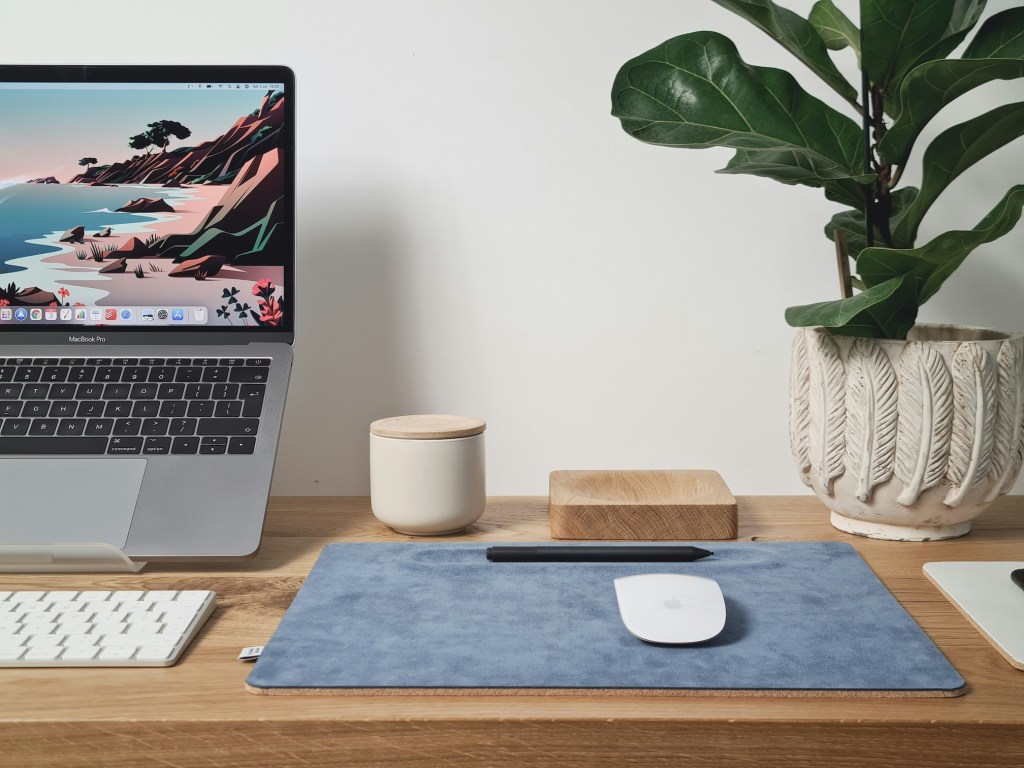
Here are 5 common mistakes to avoid when designing your space, and how to fix them!
1. Poor ergonomics
The mistake: An inappropriate working setup such as using a dining chair at your desk, working from the sofa, or hunching over your laptop.
Poor posture and improper desk setup can result in back pain, neck strain and wrist issues.
How to fix it:
- Invest in a good quality office chair with lumbar support and adjustable height. If a new chair isn’t in the budget, use a lumbar cushion for added back support.
- Keep your screen at eye level to prevent neck strain. A laptop stand, external monitor, or even a stack of books can help achieve this.
- Use a separate keyboard and mouse to keep your wrists in a natural position and reduce strain.
- Ensure your feet are flat on the floor (or use a footrest) to maintain good circulation and prevent discomfort.
- Follow the 90-degree rule: Your elbows and knees should be at a 90-degree angle when seated.
You might even consider a standing desk that allows you to switch between sitting or standing at your computer.
NEXT READ: Will an office conversion add value to your home?
2. Bad lighting
The mistake: Relying only on overhead lights or working in a dimly lit space
Poor lighting leads to eye strain, fatigue and headaches. Overhead fluorescent lights can cause harsh glare and dim lights force your eyes to work harder.
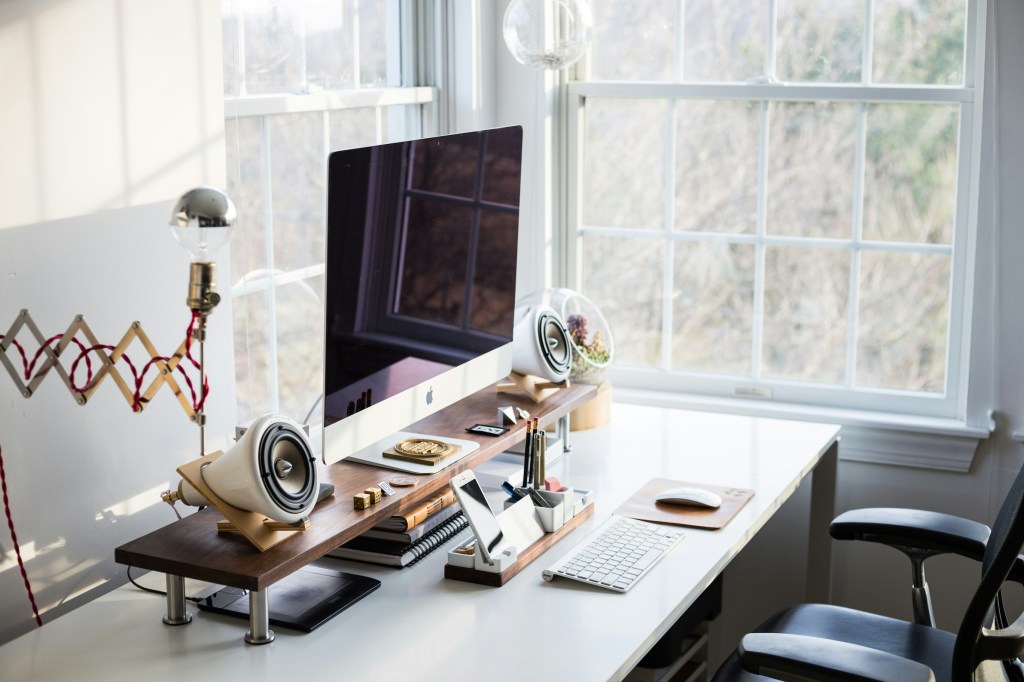
How to fix it:
- Maximise natural light by positioning your desk near a window, but avoid direct sunlight that creates screen glare.
- Use a combination of lighting sources:
Task lighting (e.g., an adjustable desk lamp) for focused work.
Ambient lighting (soft LED lamps) to create a comfortable, balanced environment. - Choose warm or neutral-toned bulbs to reduce harsh lighting and eye strain.
- Minimize screen glare by adjusting brightness settings and using an anti-glare screen protector if necessary.
If you’re working late at night, a blue light filter can help improve sleep quality.
NEXT READ: Do you need planning permission for a garden office?
3. Cluttered or distracting setup
The mistake: A messy desk with no storage solutions, too many decorations or accessories, and located in a busy area of your home.
Clutter can leave you overwhelmed and unable to focus. A disorganised workspace also wastes time because you can’t find anything.

How to fix it:
- Declutter your desk by keeping only the essentials: computer, notebook, planner, and a few key items.
- Use storage solutions like drawers, shelves, or desk organisers to keep cables, papers, and office supplies tidy.
- Limit distractions: Avoid excessive decorations or placing your desk near high-traffic areas like the kitchen or living room.
- Adopt a “reset” routine: At the end of each workday, take 5 minutes to organise your space ready to start the next day afresh.
A clutter-free desk doesn’t mean it has to be sterile or bland. A few personal touches like a photograph, plant or a scented candle can help make your space inspiring without going over the top.
NEXT READ: 7 plants that will make your home office a happier and healthier place to be
4. Not considering noise and acoustics
The mistake: Setting up your space near noisy areas of your home or in a room facing the street
Noise from your family members, pets or visitors can disturb your concentrations and cause you to become stressed.
How to fix it:
- Position your desk in the quietest part of your home, away from high-traffic areas.
- Use noise-canceling headphones or play background music (like white noise or instrumental sounds) to block distractions.
- Add soft furnishings like rugs, curtains or upholstered chairs to absorb sound and reduce echo.
- Use a door draught excluder to reduce outside noise if your office is near a busy street.
- Set boundaries with family members: Use a “do not disturb” sign or set work hours so others know when you’re focusing.
If you work in a shared space consider finding something to act as a room divider.
NEXT READ: How to set boundaries when working from home
5. Not separating work and home life
The mistake: Working in a shared space like the living room, kitchen or bedroom.
Without a dedicated workspace it’s harder to focus during work hours and even harder to mentally “clock off” at the end of the day. This can lead to a poor work-life balance.

How to fix it:
- Choose a specific workspace: Even if you don’t have a separate room, carve out a designated area in a quiet corner.
- Use visual boundaries: A small rug, bookshelf, or partition can define your workspace even in a shared room.
- Stick to a routine: Start and end work at set times to reinforce the mental separation between work and personal life.
- Avoid working from bed: This blurs the line between relaxation and work, making it harder to unwind at night.
If space is tight then consider a foldable or wall-mounted desk to create a compact but functional workspace.
Avoid these mistakes in order to create a productive workspace that allows you to maintain the division between work life and home life.
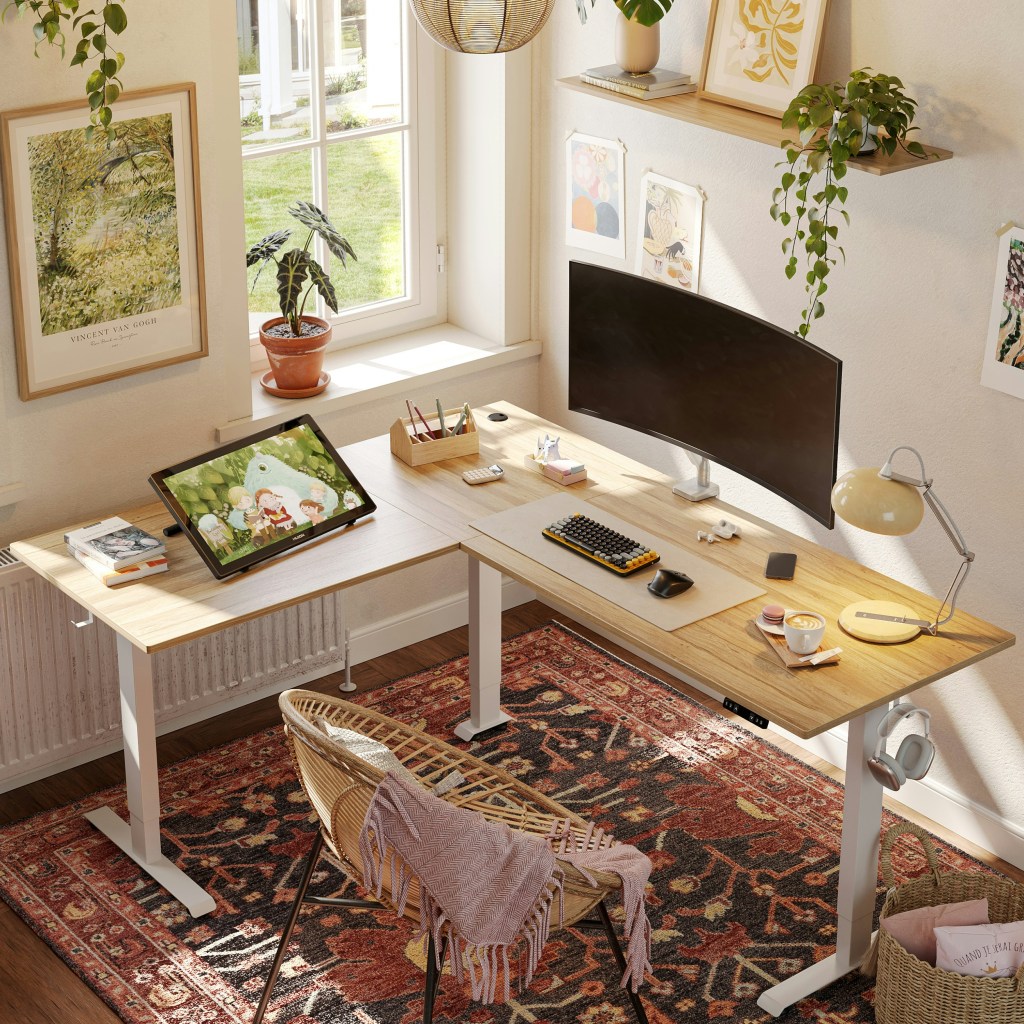



 The Hattie